Streaming setup guides aimed at established creators assume a budget most beginners don't have, and the result is a lot of new streamers either overspending before they know if they'll stick with it, or getting discouraged and never starting because the "recommended" gear list looks like a small investment portfolio.
Audio quality matters more than camera quality, by a wide margin
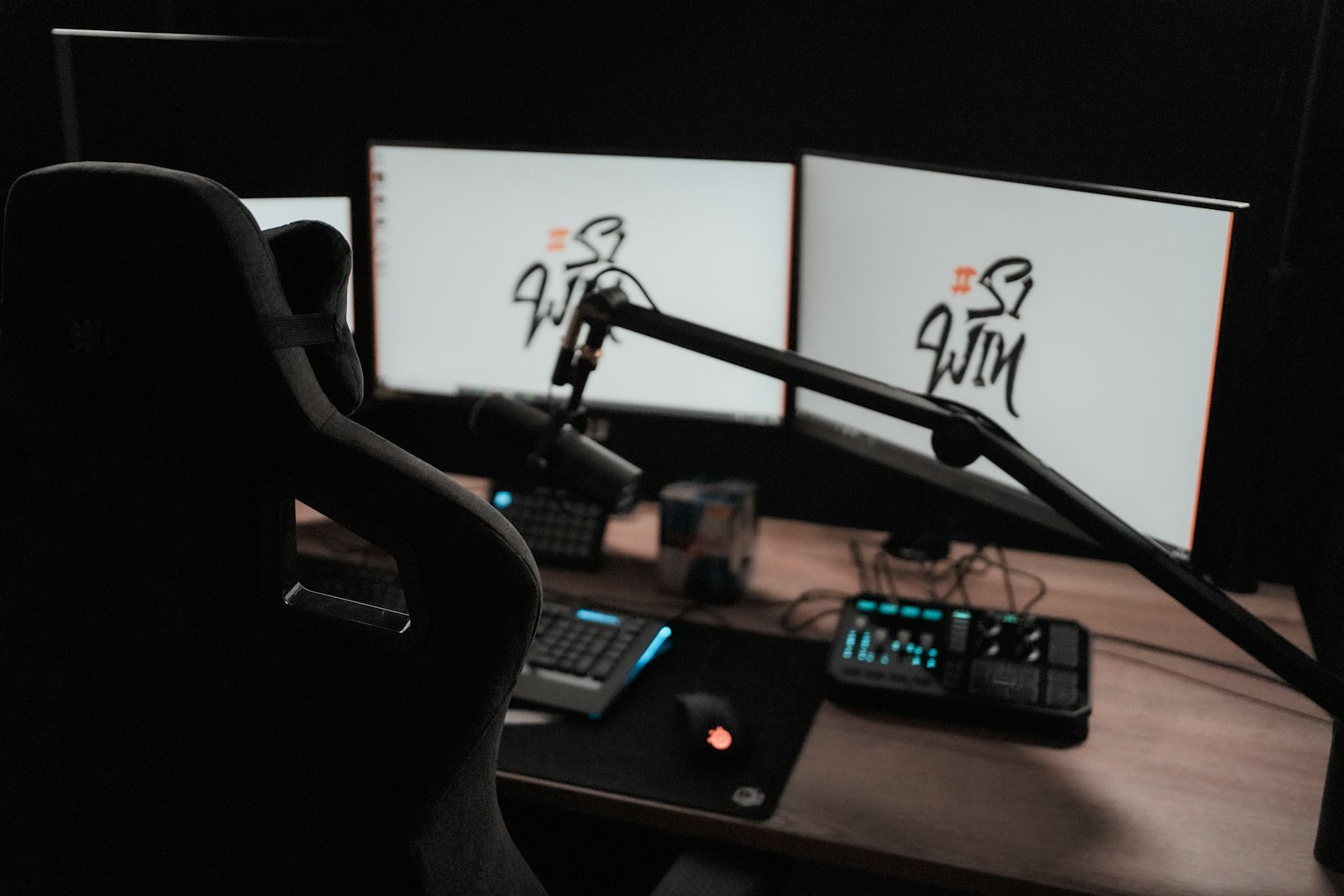
Viewers tolerate mediocre webcam video far more than they tolerate bad audio — muffled, echoing, or inconsistent audio drives people away from a stream faster than a soft-focus webcam ever will. If your budget is limited, put it toward a decent USB microphone before a nicer webcam. A $50-80 USB condenser mic with basic acoustic treatment (even blankets or foam panels behind you) outperforms an expensive webcam paired with a laptop's built-in mic by a huge margin in viewer experience.
Your existing gaming PC is probably good enough to start
New streamers frequently assume they need a dedicated capture card and second PC setup before starting, which is genuinely correct advice for higher-tier, established streamers pushing demanding games at high settings while encoding — but not necessary for a beginner. Modern GPUs' hardware encoders (NVENC on Nvidia, similar on AMD) handle single-PC streaming encode with a manageable performance hit for most games at reasonable settings. Start single-PC; upgrade to a second encoding machine only once you know streaming is something you'll stick with.
Lighting is a cheap, high-impact upgrade most beginners skip
A basic ring light or even a well-positioned desk lamp dramatically improves webcam image quality more than a camera upgrade would, because most webcams' image processing improves significantly with adequate lighting. This is one of the cheapest fixes available (often under $30) and one of the most visually impactful — prioritize it before spending on camera hardware.
Scene and overlay software is free and good enough
OBS Studio (free, open-source) handles scene composition, overlays, and streaming output at a professional level, and most beginner streamers don't need paid alternatives. Spend time learning OBS's scene and source setup properly rather than assuming paid software is a meaningful upgrade — for the vast majority of use cases, it isn't.
Internet upload speed is the invisible bottleneck
A great camera, mic, and PC setup is wasted if your internet connection's upload speed can't sustain your stream's bitrate without dropped frames or buffering for viewers. Test your actual upload speed (not just advertised plan speed) before investing in other gear, and set your streaming bitrate conservatively below your tested upload ceiling — this single check prevents a huge share of new streamers' technical stream-quality complaints.
Grow into upgrades, don't front-load them
A second PC for encoding, a dedicated capture card, a DSLR-quality camera, and a full XLR audio chain are all genuinely worthwhile upgrades — for a streamer who already has an audience and a consistent schedule. Buying all of it before you've streamed regularly risks a large sunk cost on a hobby you haven't confirmed you'll stick with. Start with a good mic, decent lighting, free software, and your existing PC — upgrade specific pain points as you actually encounter them.
The takeaway
Audio and lighting give the best return on a limited budget, your existing gaming PC is probably sufficient to start, and OBS covers your software needs for free. Save the second-PC, capture-card, premium-camera upgrades for after you've confirmed streaming is something you'll actually keep doing.