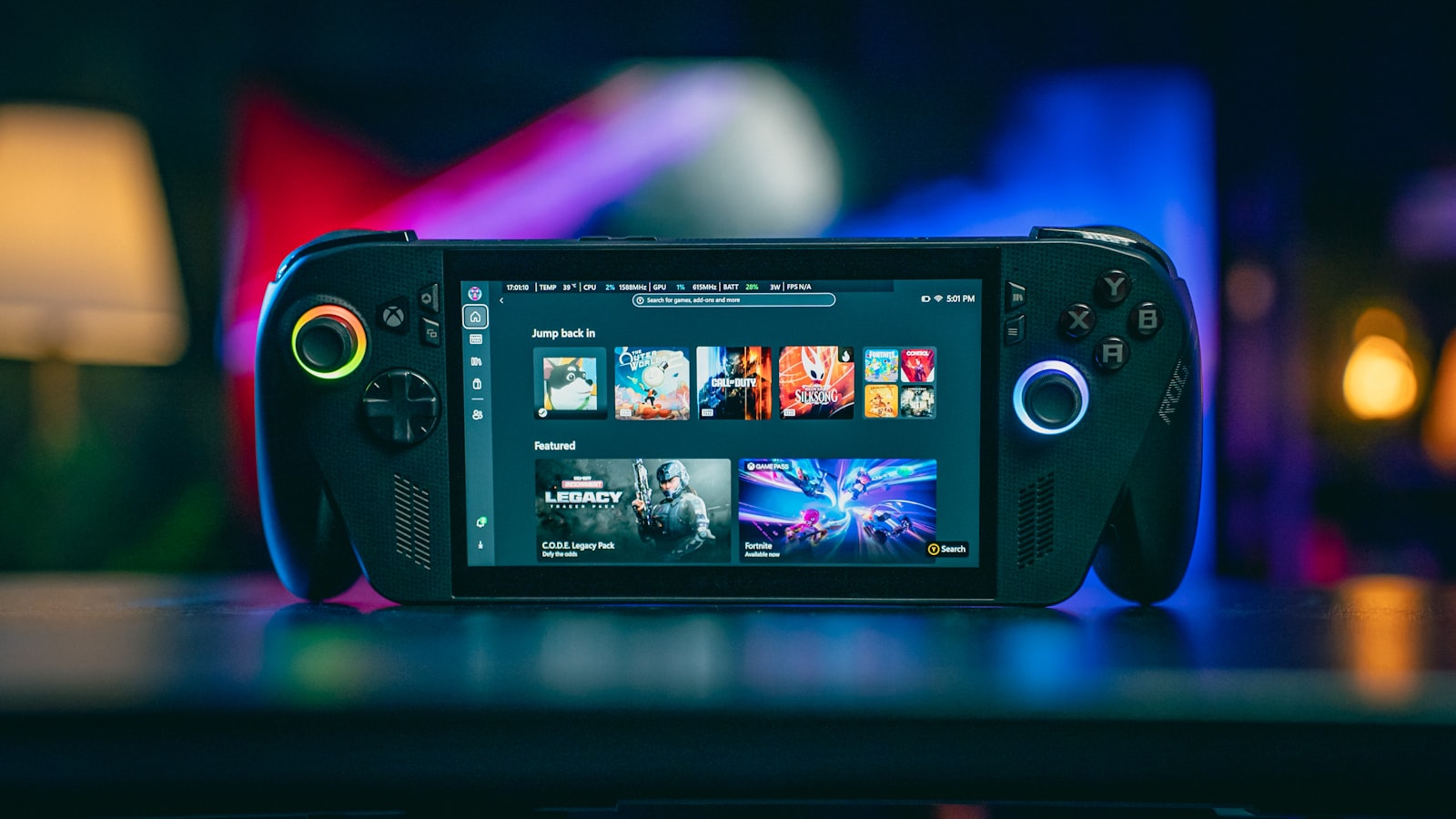
The retro handheld space has exploded past the point where "just get the popular one" is useful advice — there are now devices spanning credit-card-sized budget units to Steam Deck-class systems that can emulate sixth-generation consoles. The right pick depends entirely on which era of games you actually want to play, not on which device has the loudest launch trailer.
Match the hardware to the console generation
The single biggest mistake buyers make is over- or under-buying for their actual use case. If you're mainly playing 8-bit and 16-bit era games — NES, SNES, Genesis, Game Boy — almost any modern handheld released in the last two years handles this without breaking a sweat, and paying a premium for extra power is wasted money. If you want PS2, GameCube, or Switch-era emulation, you need a device with a considerably stronger chipset, better cooling, and more RAM — this is where price differences start actually reflecting real capability rather than branding.
Screen quality matters more than spec sheets suggest
Two devices with near-identical processors can feel completely different because of screen quality. An IPS panel with accurate colors and decent viewing angles makes pixel art and pre-rendered PS1-era backgrounds look dramatically better than a cheap TN panel, even when the underlying emulation performance is identical. If you're deciding between two similarly priced options, prioritize screen quality over a marginal CPU bump — you'll notice the screen every single session.
Button feel and stick quality determine long-term satisfaction
Spec comparisons rarely mention D-pad and analog stick quality, but this is what determines whether a handheld feels good in a two-hour session versus twenty minutes. Mushy D-pads ruin precision platformers, and analog sticks prone to drift are a recurring complaint on budget devices — it's worth reading recent (not launch-week) reviews specifically for drift reports, since this issue often only surfaces after months of use.
Software matters as much as hardware
A powerful device with a clunky, laggy interface or poor default emulator configuration will frustrate you daily, while a slightly weaker device with a well-tuned OS (many now ship a custom Linux-based launcher, some with Android as an alternative) can feel far more pleasant to actually use. Check whether a device supports easy access to its underlying file system for adding your own emulator configs — locked-down software stacks age poorly as emulator projects improve.
Budget tiers, roughly
- Entry (8/16-bit focus): compact devices built around efficient chipsets handle this generation with battery life to spare and don't need a fan.
- Mid-range (PS1/N64/Dreamcast): this tier needs active or well-designed passive cooling and a noticeably stronger GPU; expect a larger, heavier device.
- High-end (PS2/GameCube/Switch): effectively small gaming PCs or Android-based systems with the horsepower for demanding emulation cores, priced accordingly.
The takeaway
Buy for the console generation you'll actually play, weight screen and controls as heavily as raw specs, and check for drift complaints in reviews written months after launch, not day one. The "best" handheld is the one that matches your library, not the one topping a generic ranking.