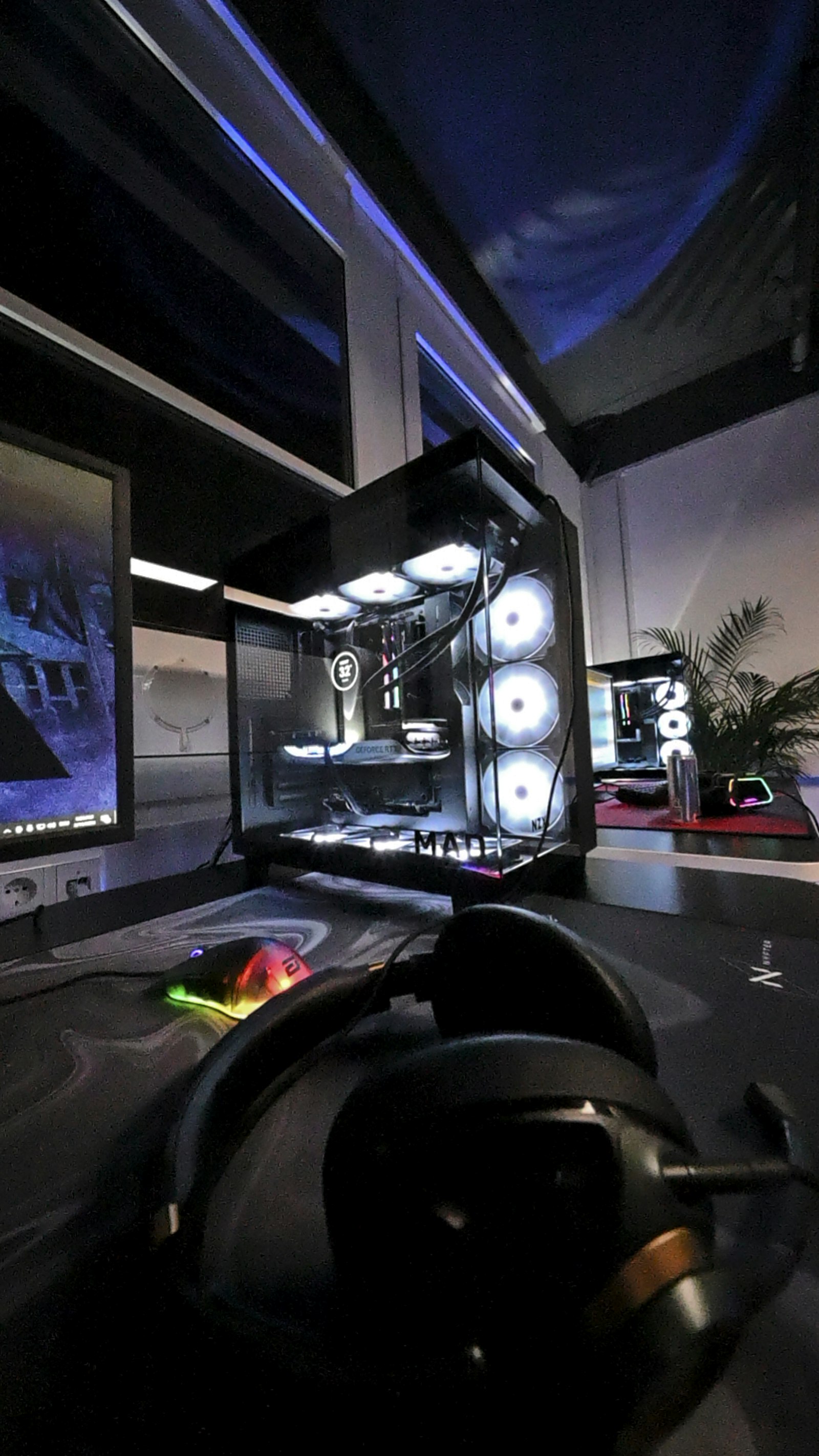
Every competitive FPS community has the same ritual: a new player asks for settings, gets handed a pro's exact config, and plays worse for a week because their monitor, mouse, DPI, and years of muscle memory don't match a stranger's. Settings aren't copy-paste — but there is a real, short list of things worth tuning deliberately.
Sensitivity: match the number to your monitor size
The right sensitivity depends on your physical mousepad space and how quickly you need to make a full turn, not on what a streamer uses. A practical method: pick a DPI (400 or 800 are common, and the exact number matters less than consistency), then adjust in-game sensitivity until a comfortable wrist-and-arm swipe across your mousepad produces roughly a 180-degree turn. From there, fine-tune by feel over a few sessions — you're listening for overshoot (too high) or a delayed, sluggish flick (too low).
Crosshair: static and small beats fancy
Dynamic crosshairs that expand on movement look good in menus and actively hurt your precision, because your point of aim moves as the crosshair grows. A small, static, high-contrast crosshair (bright green or cyan on most maps) gives you a consistent reference point regardless of what's happening around it. Resize it until it's visible but doesn't obscure a full head-sized target at mid-range — usually smaller than most new players default to.
Video settings: prioritize consistency over beauty
Turn off motion blur, film grain, and depth of field entirely — every one of these adds visual noise between you and the moment an enemy peeks. Frame rate consistency matters more than raw frame rate past a point: a stable 144fps with no dips reads more predictably than a spiky 240fps average. If your system struggles, drop shadow quality and effects detail before touching resolution, since resolution changes affect your muscle memory for flick distances.
Audio: the most underrated setting
Footstep and gunshot volume relative to music and ambient effects wins more rounds than crosshair color ever will. Push music and menu sounds down, and if your headset supports it, use a mix preset that boosts mid-to-high frequencies where footsteps live. Positional audio is genuinely one of the highest-value, lowest-effort improvements available.
What to skip entirely
Raw input toggles, mouse acceleration curves, and third-party "aim assist" software are either placebo or actively against most games' terms of service. If a setting requires a paragraph of justification from the person recommending it, it's probably not worth your time.
The takeaway
Tune sensitivity to your body, not a pro's; keep the crosshair small and static; strip visual noise; and prioritize audio clarity. That's a twenty-minute setup that outperforms hours of copying configs that were never built for your setup in the first place.